
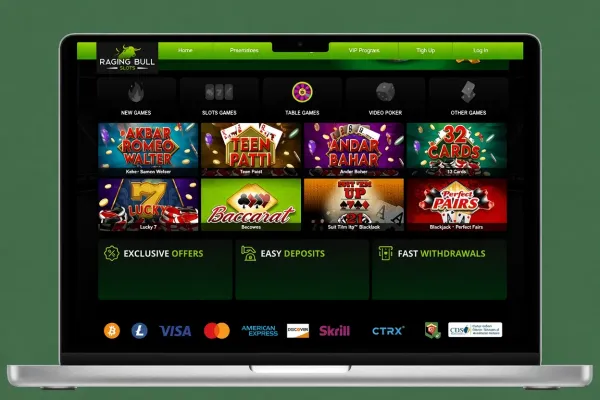

Raging Bull Casino does not have an Android app. On an Android phone you play on the mobile version of the site, opened in your browser, so there is nothing to download or install.
What you can do on an Android phone

Because there is no app, all of your play happens in the browser tab. You open the Raging Bull Casino site, log in or sign up, and play from the same tab. A phone has a smaller screen than a computer, so read offer terms and game information carefully before you act. Turning the phone sideways makes long text and tables easier to read.
Games run in the browser, so a weak connection can interrupt a round. Play on a stable Wi-Fi or mobile signal, and keep the tab open while a round is in progress. If a game stops, check the connection before you start again.
Typing a long password on a touchscreen is slow and easy to get wrong. A password manager built into your phone or browser can fill it in for you, provided you keep the phone locked.
The browser may ask to send notifications. Say no to any request you did not expect, and you can change that choice in the browser settings later.
Phones make it easy to lose track of time. Note the time when you start, and decide how long you will play before you open the site. When that time has passed, close the tab and take a break.
Playing in the browser instead of an app

There is nothing to find or install in an app store, because Raging Bull Casino has no Android app. Follow the browser steps above to open the site. If you want quicker access, add a home-screen shortcut. A shortcut is only a link that opens the mobile site. It is not a separately installed program, and you can remove it like any other shortcut on your home screen.
Because nothing is installed, there is no app update to wait for. Each time you open the shortcut, the browser loads the current version of the mobile site.
If you are new, sign up on the mobile site in your browser. Chrome is the browser named in the steps, but other mobile browsers can open the same site address.
If a page does not load, check your connection, refresh the page, then close the tab and open the site again. Do not install an APK file or any app from a link, because there is no Raging Bull Casino app to install. Check the site address in your browser before you log in.
Keeping your account safe on your phone
Set a passcode or fingerprint lock on your phone, and do not leave it unlocked while you are logged in. If other people in your household use the phone, log in only when you are ready to play, and log out when you finish.
Do not save your password in the browser on a shared phone, and use a password you do not use on other sites. Avoid logging in or depositing on public Wi-Fi networks you do not trust. Use your own mobile data or a network you know instead.
Playing on mobile data uses your plan's allowance, and a long session can use a lot of it. Check your allowance before a long session, or use Wi-Fi where you can. Keep Chrome and your phone's system updated, because updates include security fixes.
Decide your spending and time limit before you open the site, and take a break when you reach it. For help with limits, see the safer gambling page.